Write
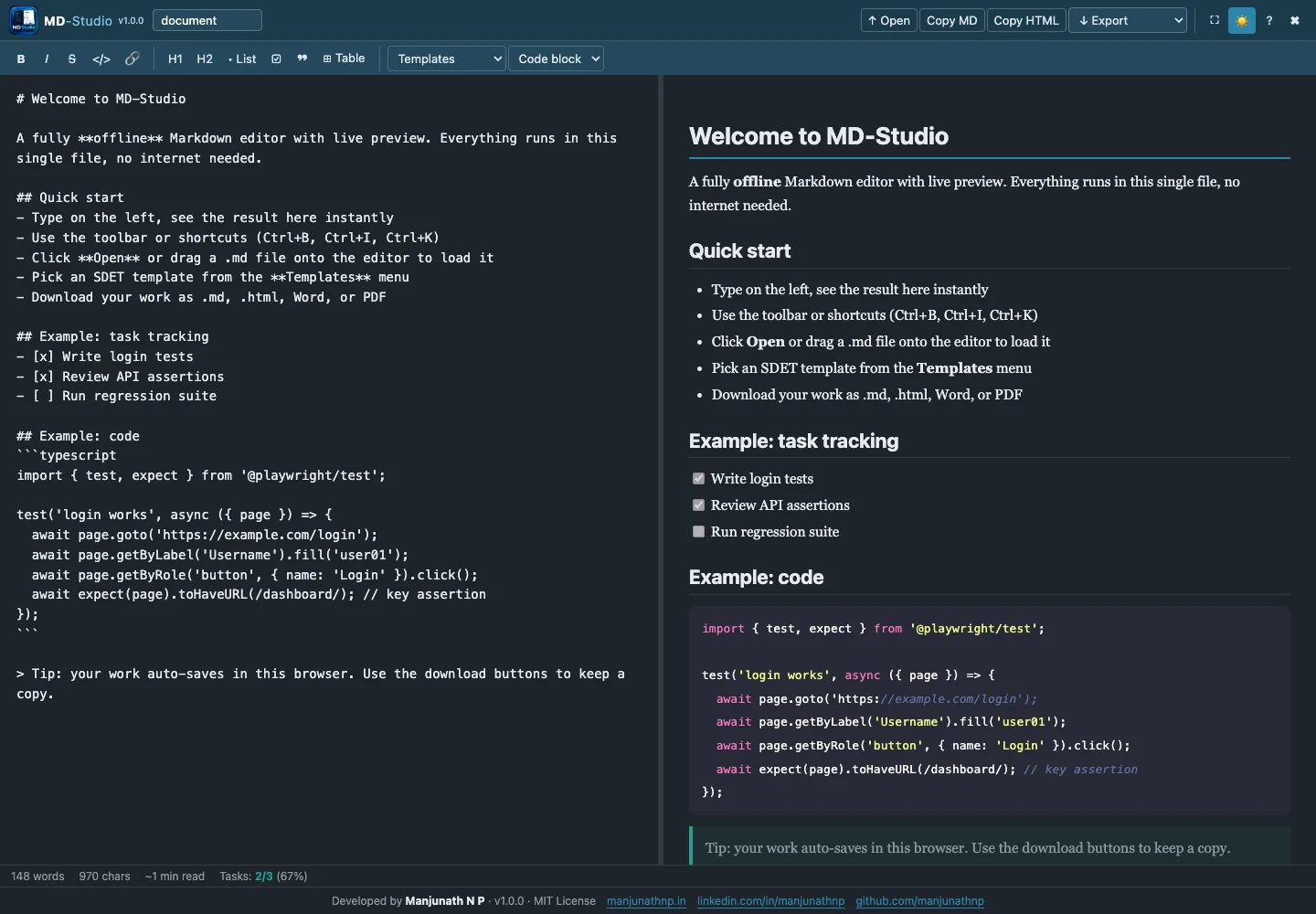
Compose Markdown with formatting controls, keyboard shortcuts, document statistics, and focused quality-engineering templates.
Offline Markdown Workspace
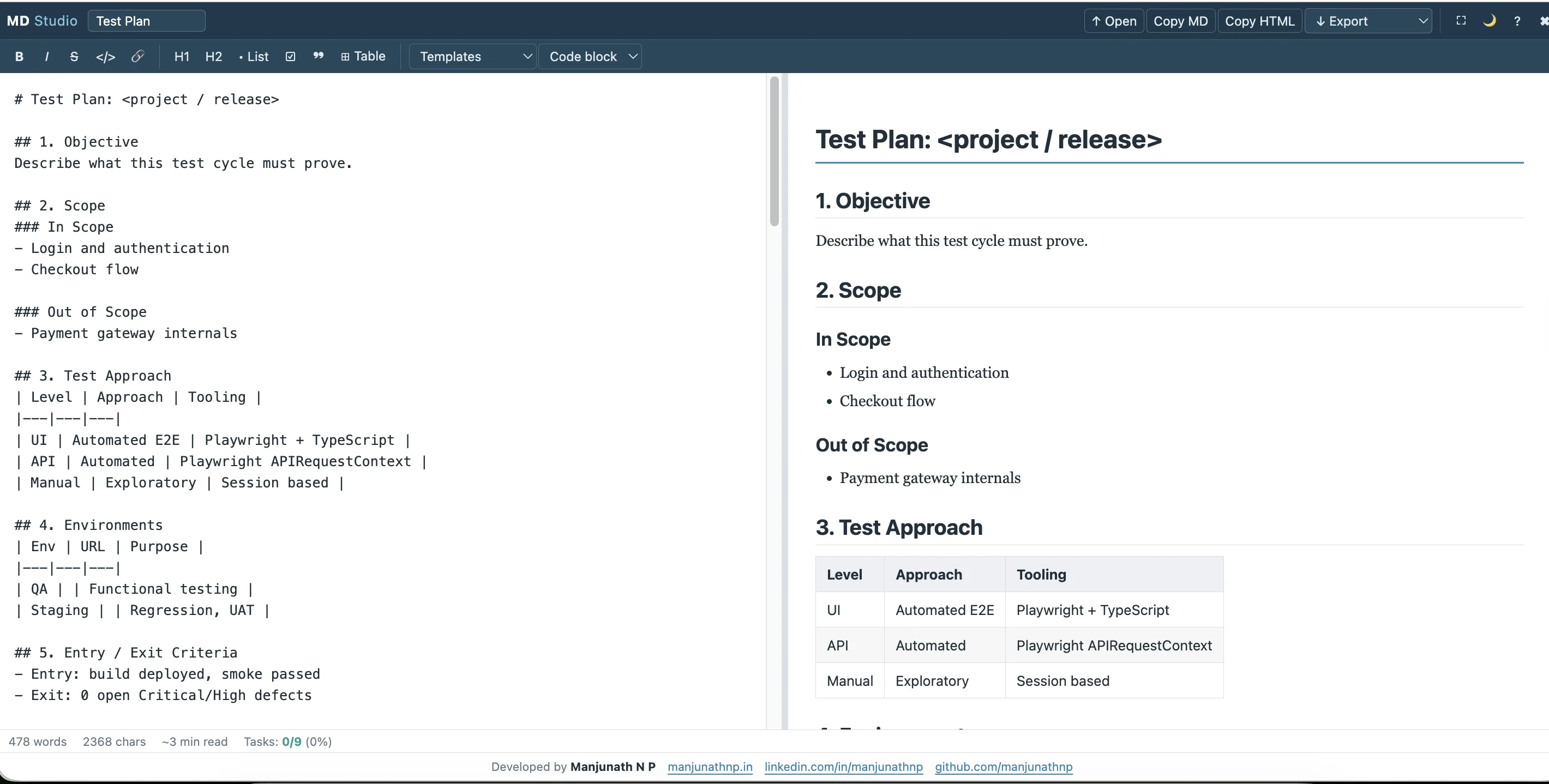
Side-by-Side Markdown Writing and Live Preview in One Offline File
Why It Matters
One Device-Owned Workflow
Compose Markdown with formatting controls, keyboard shortcuts, document statistics, and focused quality-engineering templates.
Keep source and rendered output visible side by side, with a resizable divider and immediate visual feedback.
Save the local draft or move the finished document into Markdown, HTML, Word-compatible, or PDF output.
Inside the Product
Purpose-Built Capabilities
Resizable Editor and Live Preview
Markdown Formatting and Keyboard Shortcuts
Test Plan, Test Case, Bug Report, and API-Note Templates
Markdown, HTML, Word-Compatible, and PDF Export
Browser-Local Draft Autosave
Offline Writing Architecture
Markdown source, formatting tools, shortcuts, and document statistics remain close to the writing task.
The formatted document updates beside the source, so structure and presentation can be judged without changing views.
Test plans, test cases, bug reports, and API notes provide useful starting structures instead of placeholder prose.
Local drafts and Markdown, HTML, Word-compatible, and PDF exports keep the finished documentation reusable.
Built with
Delivery Model
Offline standalone single-file browser application
ReleasedContinue Through the Collection
 Jobmetry
Not just a job tracker. The smart job tracker.
 DocConvertly
Convert and edit documents privately in your browser.
 Margin
Review long documents without losing the context behind each comment.