


Discover
Bring a public or authorized signed-in page into a controlled browser session.
Image Quality Audit Workspace
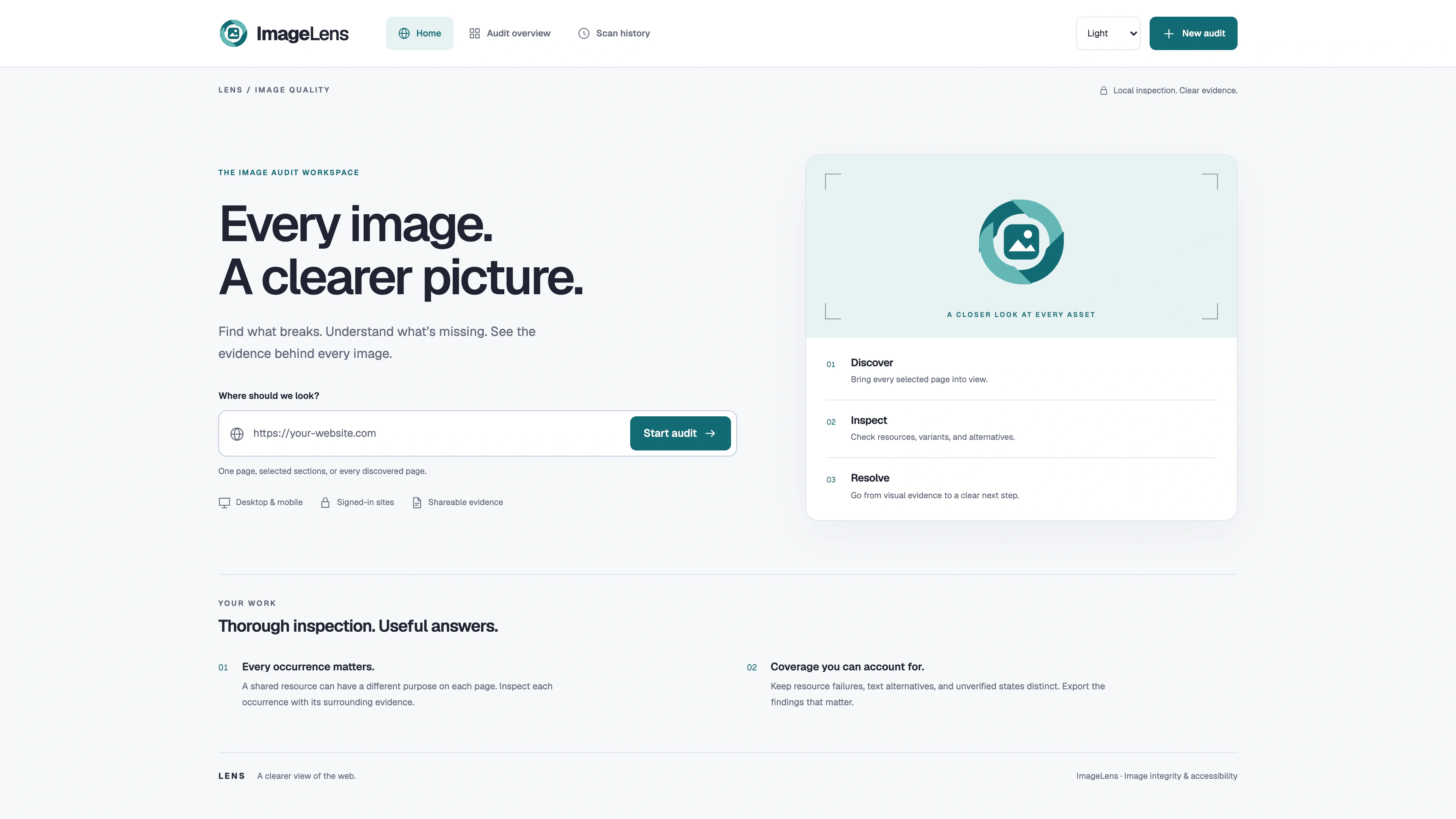
A focused entry point for public and authorized signed-in image audits
Why It Matters
One Evidence-Led Workflow
Bring a public or authorized signed-in page into a controlled browser session.
Compare resources, responsive variants, text alternatives, and viewport-specific evidence.
Move from a visual symptom to source context, recorded markup, and a reviewable next step.
Inside the Product
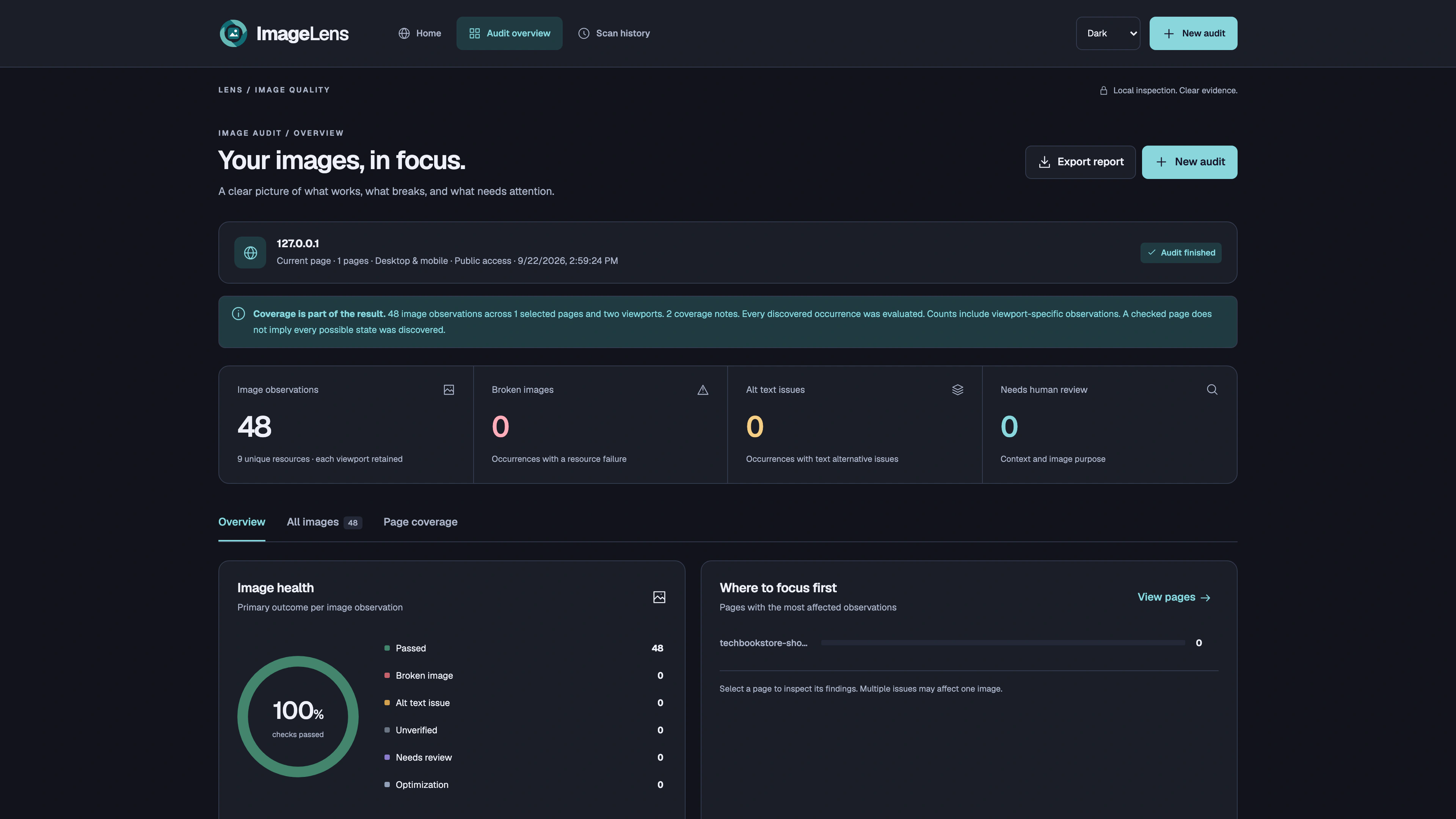
Purpose-Built Capabilities
Public and Signed-In Page Scanning
Desktop and Mobile Image Inspection
Responsive Image and Alternative-Text Checks
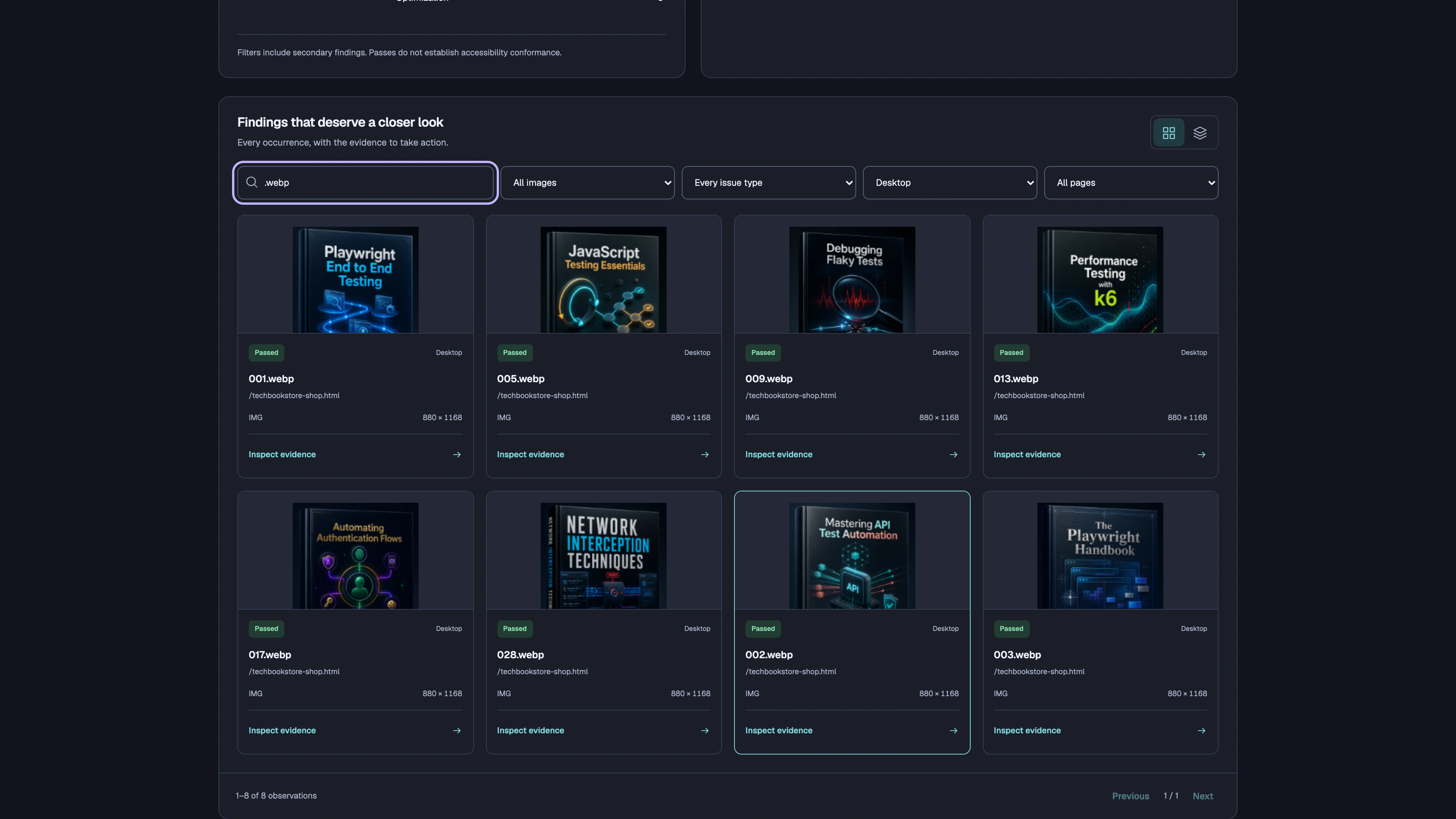
Filterable Evidence Gallery
HTML, PDF, CSV, and JSON Reports
Evidence Anatomy
The page and occurrence stay attached to each observation.
Desktop and mobile observations remain distinct and comparable.
Resource details, rendered dimensions, selectors, and recorded markup provide technical context.
HTML, PDF, CSV, and JSON exports preserve the evidence beyond the scan session.
Built with
Delivery Model
Local browser workspace served from Node.js
ReleasedContinue Through the Collection
 LinkLens
Every link. A clearer path.
 A11yLens
Accessibility insights. Clear priorities. Actionable fixes.